0
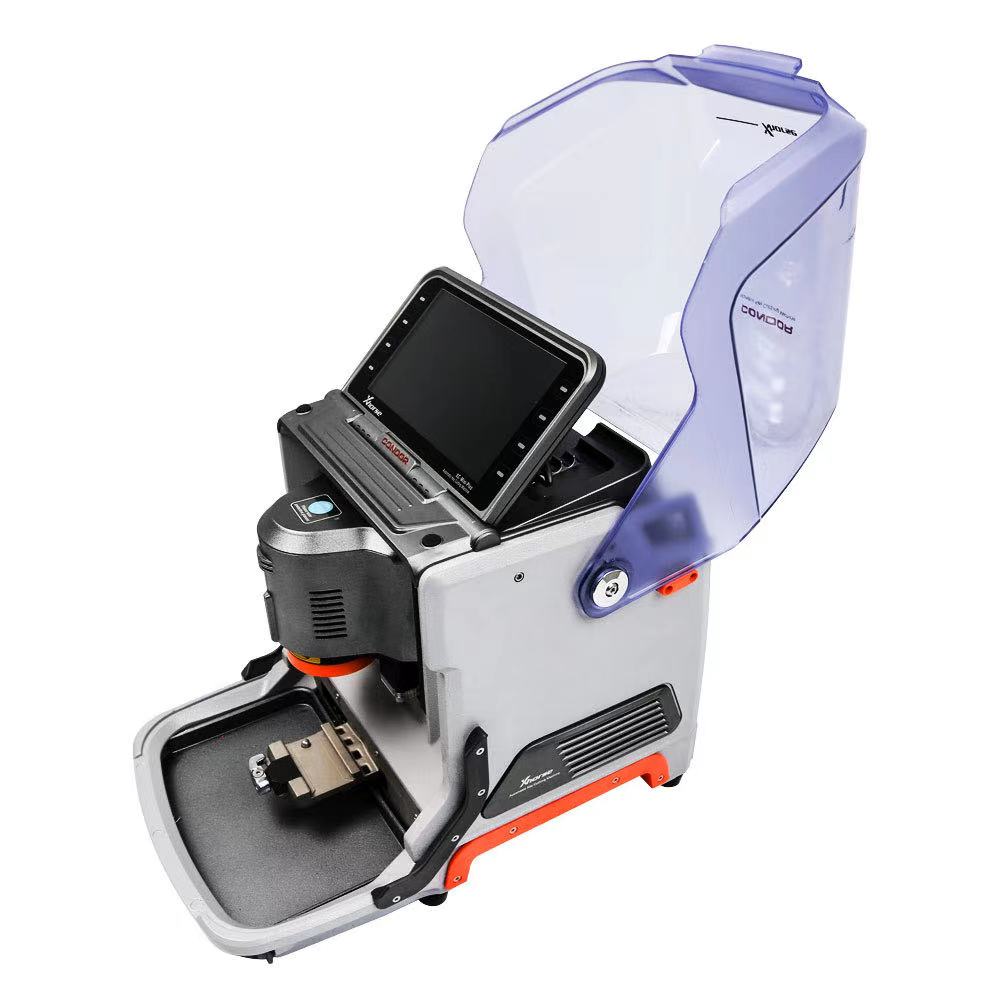
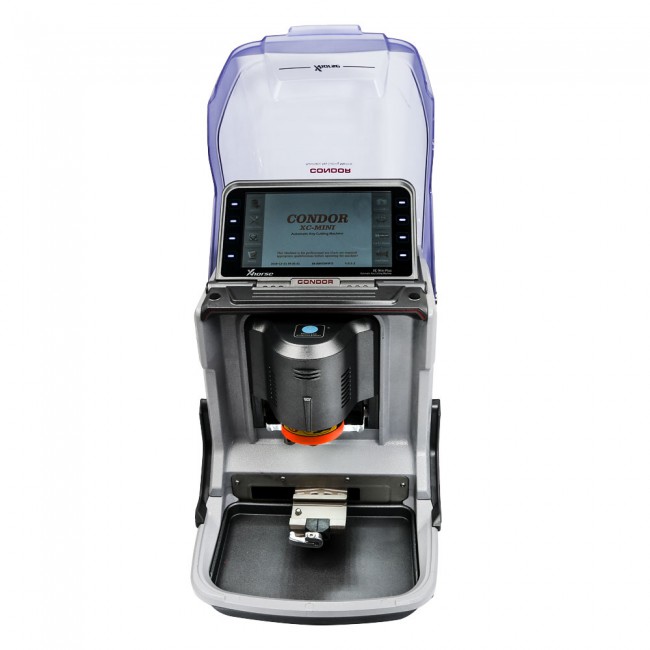
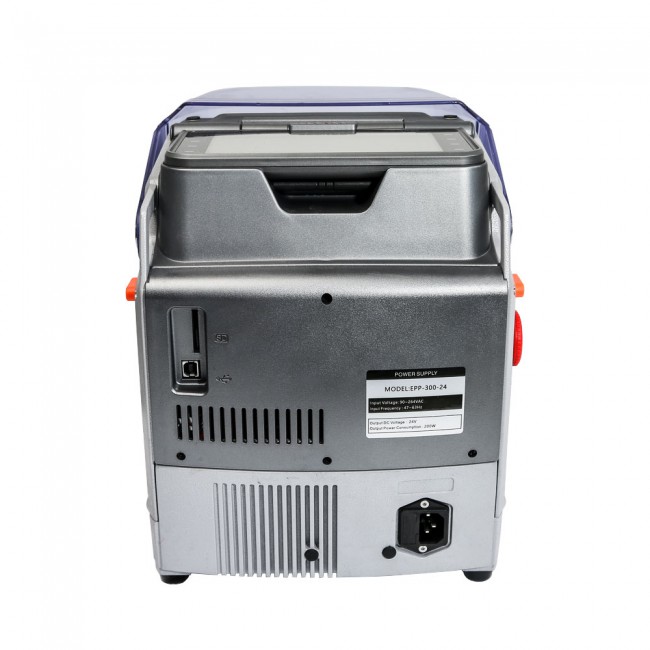
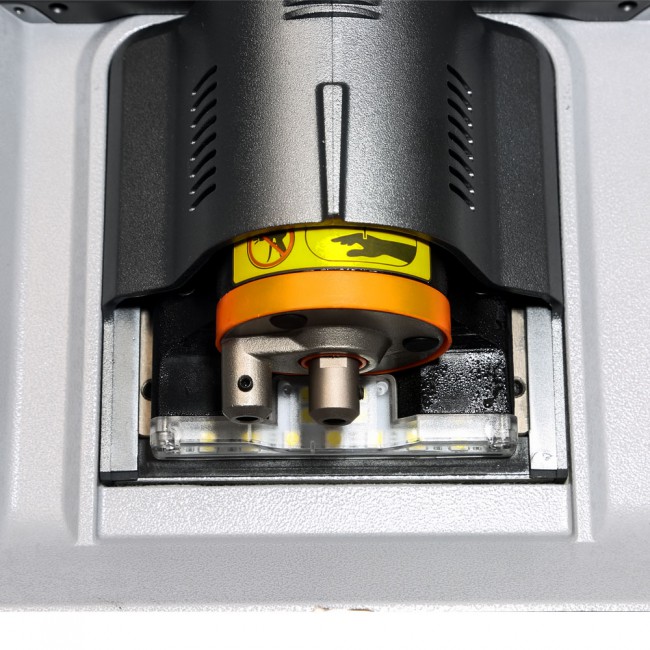
Xhorse Condor XC-Mini Plus Automatic Key Cutting Machine
$99999.00
Description
Advanced Design Integrated Casting
Condor Mini Plus (KM03 6.1.3 above, KM05 3.1.3 above) now can be controlled via Xhorse APP (July 2020)
- Bind with VVDI MB (that means you can get vvdi mb tool with better price)
- And you VVDI MB Tool can get 1 free token everyday.
3 Year warranty. - Update online for free via xhorse update kit software.
- Newest Version: KM02 KM03 V6.2.3 KM05 V3.2.4
- Advanced Design Integrated Casting
- Support More Than 60 Global Brand, 2000 car Models and 20000
- All key Key Lost Database!
- Multi-languages: Portuguese Spanish French Germany Czech Arabic Turkish Dutch Polish Bulgarian Norway Slovakia Italian English Russian Chinese [If you want to change language, please send us your serial number,factory will change it for you, then update your machine]
- With better PCB and motors, high quality to work more stable and accurate
- Support work with Xhorse APP, Use same Xhorse Dolphin Database.
What’s new in Xhorse Condor Mini Plus?1. Space between cover and key is bigger than XC-MINI.
For XC-MINI, many keys with casings like VW flip key will not allow you to close the cover, while CONDOR XC-MINI Plus won’t have this problem.
2. Screen is designed with adjustable angle. Much more convenient to operate and see what’s on the screen.
3. Mounting support – to make it easier when mounting the machine on vehicles when you carry out, it won’t move around.
4. With better PCB and motors, high quality to work more stable and accurate
5. Much easier to clean up, dust after cutting the key won’t get in the machine, which make XC-MINI PLUS with extended service life.
Clamps:
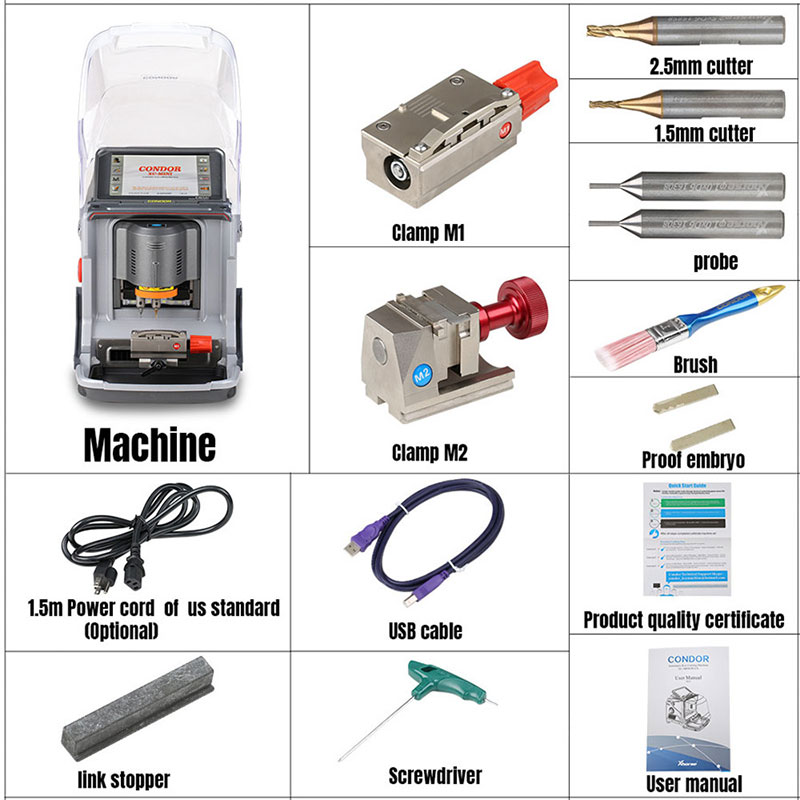
M1 and M2 in default, M3 and M4 clamps optional
Clamp Equipped
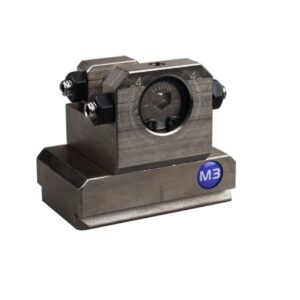
Condor XC-Mini automatic key cutting machine standerdy includes two clamps M1 and M2 support sided, track, dimple and tibble keys, some dimple/tibble keys need M3 optional clamps used for Ford FO21 & CItroen SX9 keys.
Built—in Database
Built-in actuate database,detailed parameters, schematic sample depth key tool avaliable for users, according to the blank key data, edit key shape, space flat, depth for making a new key data. It is convient to synchronize the new key data to machine.
Patent Certificate:
Condor XC-Mini Plus has appearance Patent Certificate, computer software copyright registration Certificate, Untility Model Patent Certificate etc.
Essential Tool for All Key Lost
Condor Mini Plus contains three powerful functions for all keys lost key databse, cut by bitting & find bitting, esstional tool for locksmith all key lost job eaiser to be completed.
Manufacture Process
Aluminum main body, partial made by 304 stainless steel matertals. net weight 18KG is lightweight machine with stable structure. Machine used 3-Axis precison Ball screw transmisson with higher accuracy & stability than T screw transmisson
Please note: Instacode is no longer included with the Condor Mini Plus
Please note: Instacode is no longer included with the Condor Mini Plus
Xhorse Mini Condor Parameter
Working Temperature 0-50
Humidity: 10-90%
Working Voltage: 90-264V/AC
Input Frequency: 47-63Hz
Package Dimension: 450 x450x350mm
Machine Dimension: 265 x362x301mm
Net Weight: 18kg
Gross Weight: 22.9kg
Power: 200W
USB port: 2.0
LED Display:
1024×600
Motor Rotation Speed: 9000rpm
Optional Accessory:
M3 Clamp for Ford FO21 Citroen SX9
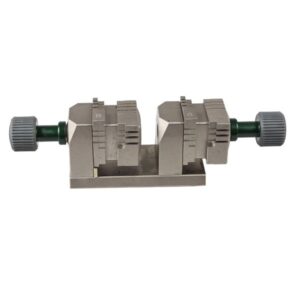
M4 Clamp for house keys
Power Supply Adapter with Built-in Battery
1.0mm Tracer Probe
1.5mm milling cutter
2.0mm milling cutter
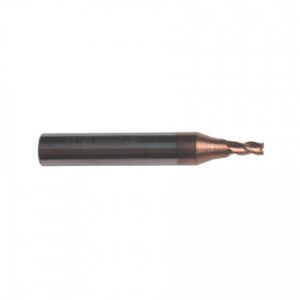
2.5mm Milling Cutter
M3 Clamp for Ford FO21 Citroen SX9
M4 Clamp for house keys
Power Supply Adapter with Built-in Battery
1.0mm Tracer Probe
1.5mm milling cutter
2.0mm milling cutter
2.5mm Milling Cutter
Xhorse Condor XC-Mini Plus Master Software Update Online?Online update
There are 3 ways to get “Upgrade kit” file for firmware update
Method 1: Contact your distributor ask for the software
Method 2: Contact Xhorse technical support skype: Live: condor_keymachine@hotmail.com
Method 3: Scan the QR code to download and install Xhorse APP
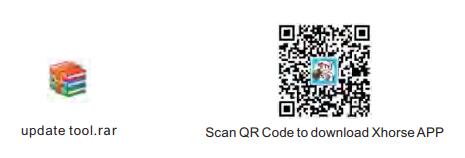
Step 1: Unzip the “Upgrade kit” file after the file has been downloaded
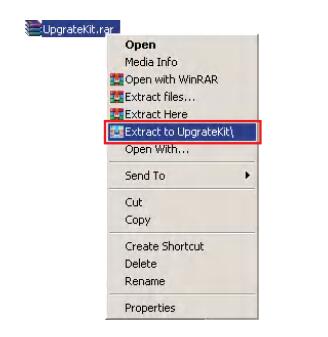
Step 2: Run “Upgrade Kit.exe” and connect the machine with the pc
Do not turn off the machine during update process and also the upgrade kit software will update automatically

Step 3: Open the file of ‘Driver’ from those decompressed files
Choose a relatively new driver to install
Please kindly notice:
If the computer still cannot recognize the machine after the installation of the driver, it is advisable to change to another driver.
If all the drivers fail, please contact your distributor or technical support from the manufacturer.

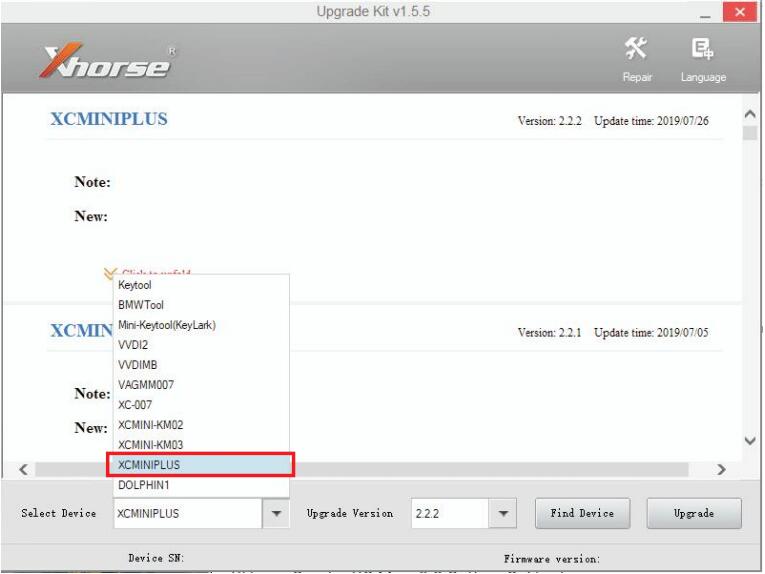
Step 4: After the machine is successfully communicated with the computer
Read the serial number, then select the XCMINIPLUS and click to update
Note: Please keep the machine connected to the computer by USB during the update.
Dolphin XP-005 vs Xhorse Condor
Condor Dolphin key machine is an entry-level product of the CONDOR CNC machine family. The body design is simple, it is very suitable for mobile use in the mobile scene, without operating screen, you need to connect a mobile phone or tablet, and install a dedicated APN.
*Once enable network connection in Condor Dolphin Xp005, the all keys lost database is the same as Condor Mini Plus offline mode. |
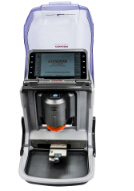
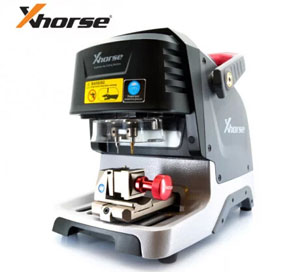
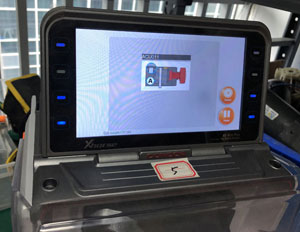 LED Display 1024×600 Adjustable Touch-Screen
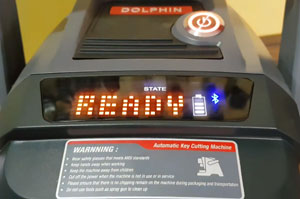 Small screen showing battery and Bluetooth status
Condor Mini Plus Package List:
Related products
-
Xhorse 2.5mm Milling Cutter for IKEYCUTTER CONDOR XC-007 and CONDOR XC-MINI Key Cutting Machine
$11.99 Add to cart -
Xhorse Condor XC-002 Optional Multi-function Clamp for Household Keys
$200.00 Add to cart -
Xhorse M3 Clamp for Condor XC-MINI Plus/ XP005 / XP005L
$159.00 Add to cart -
Xhorse Condor XC-008 Key Cutting Machine with Built-in Battery
$666666666.00 Add to cart


